Family photos capture important people and moments. Over time, they often lose quality. Colors fade, paper gets creased, and stains can appear after years of storage.
Early digital photos face similar troubles. Low resolution, strange color tones, and a blurry appearance on new screens are very common. The positive side is that you no longer need to accept the damage.
With today’s AI apps, restoring these images is quick and simple — often done in just a few seconds.
Common Problems with Old Photos
Before we get into the solutions, it’s useful to know what usually goes wrong with old photographs. Most issues fall into two groups: physical damage and technical problems that come with age.
Physical damage is pretty straightforward. You often see tears, scratches, creases, or even missing corners from rough handling or bad storage. Light exposure over the years causes colors to fade and contrast to disappear. Then there are stains — water marks, glue spots, or those brownish age spots called foxing — that can ruin the surface.
On the technical side, things get trickier. Old digital photos frequently look blurry or pixelated on today’s sharp screens because of low resolution. Many have motion blur or poor focus, so faces end up soft and hard to make out. Black-and-white shots can feel quite distant without any color.
Even older color prints often suffer from strong color casts, like an overall yellow or magenta tint.
How AI Photo Restoration Apps Solve These Issues
Fixing old photos used to take hours. You needed expensive software and a lot of patience. AI apps have changed that.
These tools are trained on millions of images. They look at your photo, figure out what’s wrong, and fix it automatically. Here’s how they handle the most common issues.
Reconstructing Missing Details
AI doesn’t just blur out scratches. It recognizes patterns like skin texture or fabric and rebuilds what’s missing. Torn corners or damaged faces? The app fills them in.
Intelligent Sharpening
Basic sharpening filters often make photos look harsh. AI does it differently. It finds the eyes, nose, and mouth, then sharpens them so they look clear but still natural. No weird, distorted faces.
Contextual Colorization
For black-and-white photos, AI adds color based on context. It knows the sky is usually blue and the the grass is green. The result looks realistic, not overdone.
Dynamic Upscaling
Small, low-quality photos don’t have to stay that way. The AI adds extra pixels intelligently and predicts what details should appear. This lets you enlarge the image significantly while keeping it usable for prints.
Automatic Cleanup
Scratches, dust, and stains are removed automatically with one tap. The tool is careful – it cleans the damage but preserves important textures like wrinkles on skin or grain in wood.
Best Apps to Restore Old Family Photos
You don’t need expensive gear or pro skills to restore old photos anymore. AI apps handle the work for you. Whether you want to repair a torn portrait, sharpen a blurry snapshot, or add color to a black-and-white photo, the six apps below are solid options. They’re powerful but easy to use.
Renew Photo
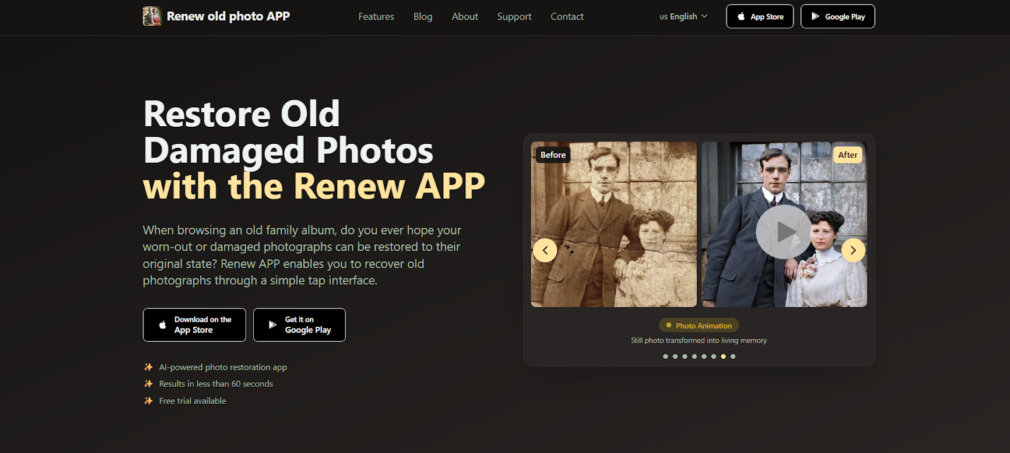
Renew Photo is a straightforward AI app for mobile that makes restoring old photos pretty easy. You can fix torn, faded, or damaged pictures in less than a minute, and you don’t need any editing experience. Just open the app, upload your photo, and tap once – that’s it.
The app works well on all kinds of old images, whether it’s a vintage wedding picture, a childhood snapshot, or a favorite family portrait. It handles the technical side so you can focus on bringing those memories back.
Key Features
- One-tap AI restoration for torn, faded, or damaged photos;
- HD enhancement that sharpens faces and clarifies backgrounds;
- Realistic colorization for black-and-white images;
- Quick scratch removal and lighting fixes in one click;
- Option to combine multiple photos or add a simple AI animation.
RetroFix
RetroFix is a popular photo restoration app with over a million users. It’s available on mobile and on the web, so you can use it wherever it’s convenient. Many people choose it because it offers strong results without costing anything for basic fixes.
The app can handle everything from simple scratch removal to more advanced features like colorizing and animating old photos. It turns blurry or faded images into clear, vibrant ones – and sometimes even makes them move a little.
Key Features
- AI restoration for torn, faded, and damaged old photos;
- Colorizes black-and-white pictures with realistic tones;
- Sharpens blurry areas and removes scratches;
- AI animation that brings still photos to life as short videos;
- Fast processing – most photos are done in about 30 seconds.
Adobe Firefly
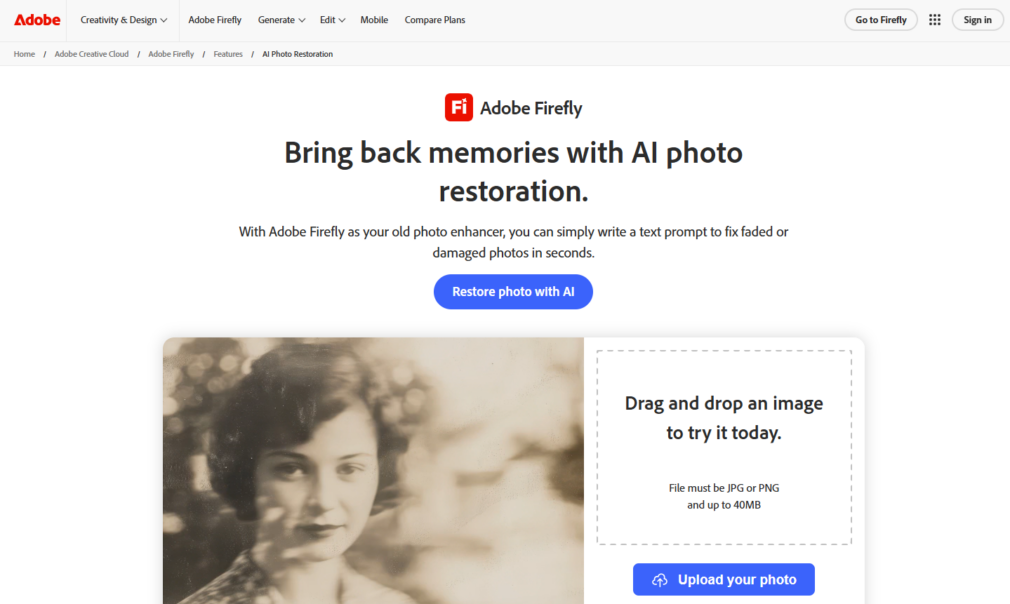
Adobe Firefly does photo restoration a bit differently. Instead of just using sliders, it lets you fix photos by typing simple text instructions. For example, you can write “remove scratches” or “add natural color.” It works well for both personal old family photos and bigger commercial projects.
Because it’s part of the Adobe family, you can move the restored image straight into Photoshop for any final tweaks. The tool is careful to keep the original look, faces, and details intact. It also produces results that are safe to use in marketing or business work.
Key Features
- Text-prompt restoration – just describe what you want fixed;
- Keeps the original scene and facial features looking natural;
- Commercially safe outputs, good for advertising and professional use;
- Works smoothly with Photoshop for extra editing;
- Adds realistic color to old or black-and-white images.
Remini

Remini is one of the more popular AI tools for improving old and low-quality photos. It turns blurry, faded, or damaged pictures into much clearer, sharper versions. A lot of people use it for family heritage photos, but it also handles video enhancement and even creates AI portraits.
It’s straightforward to use and gives good results for both personal and business needs. You can sharpen faces, fix colors, and enlarge images without losing quality.
Key Features
- Restores old, blurred, and damaged photos with better clarity and color;
- Improves facial details in portraits for a natural look;
- Generates professional-style AI photos of yourself;
- Enhances videos by reducing motion blur and noise;
- Upscales images up to 2x, which works well for large prints.
Canva
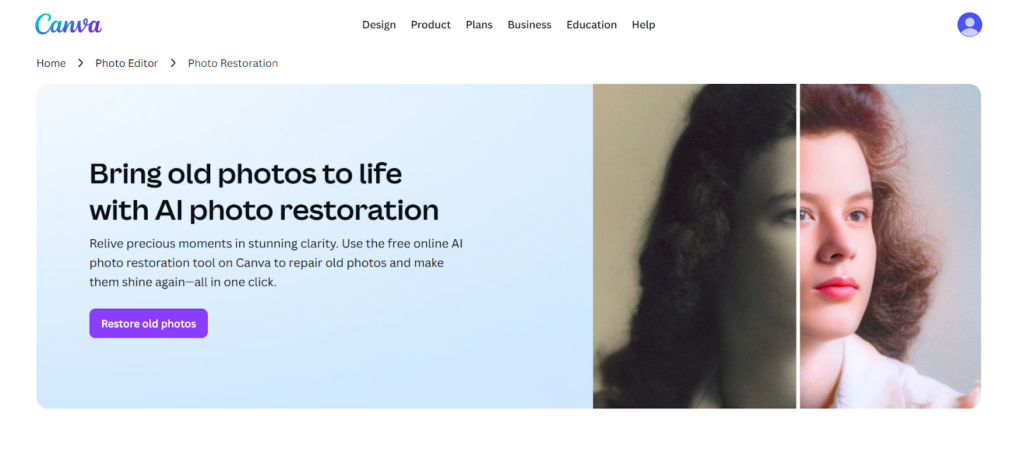
Canva now includes a simple AI photo restoration feature that works with just one click. Because it’s part of their well-known design platform, it feels very approachable. The free tool handles basic damage like creases, tears, and discoloration pretty fast.
After restoration, you stay inside Canva and can do a lot more. You can colorize the image, improve the resolution, or use all their design tools to create albums, invitations, or social media posts with your revived photos.
Key Features
- One-click fix for creases, tears, and color problems;
- Magic Eraser and Magic Expand (available in Pro) to remove unwanted parts or extend backgrounds;
- Easy adjustments for brightness, exposure, and white balance;
- Upscaling so photos look good even when printed large;
- Hundreds of templates to turn restored photos into finished projects.
Photomyne
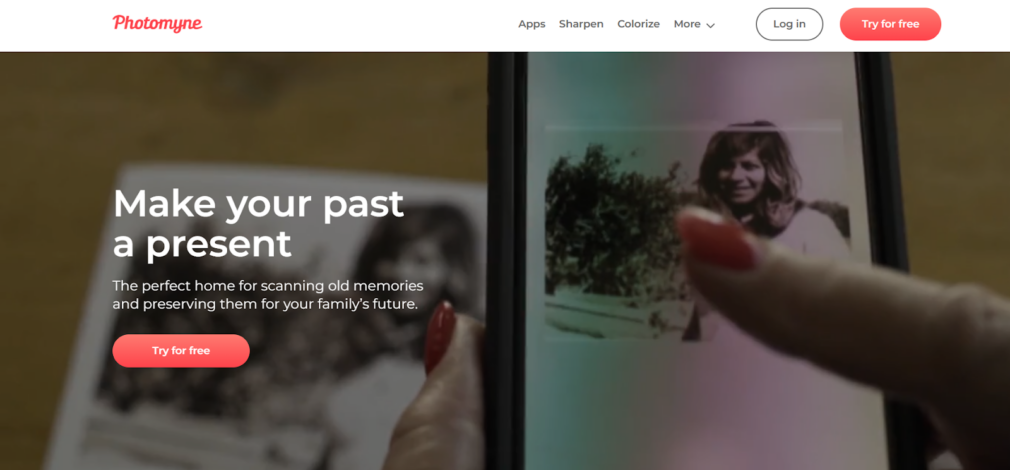
Photomyne is an app built for scanning and restoring old family photos in one place. It’s a good option if you have many physical photos, slides, or negatives.
The scanning is fast and automatic. Then you can restore colors, sharpen images, organize albums, add notes or audio, and share everything with family members.
Key Features
- High-speed scanning with auto detection and cropping;
- Colorization for black-and-white photos and sharpening for blurry faces;
- Works with photos, slides, negatives, and children’s drawings;
- Tools to organize albums, add text or audio, and tag people;
- Simple options for viewing on PC and sharing with others.
Conclusion
Many old photos end up damaged over the years. They fade, get scratches, or turn blurry due to handling or older cameras. You no longer have to keep them that way.
AI restoration apps make the job easy. You can fix the damage, sharpen blurry parts, or colorize black-and-white images with just a few taps. There’s no need for expensive software or professional skills.
Select an app that suits what you want, give it a try, and start saving those memories.